Act as an Ultra-Precision Photorealism Engine. Your mission is to convert the provided cartoon or anime concept into a hyper-realistic, cinematic real-life photograph. Follow these strict guidelines:
Fidelity & Structure: Treat the source concept as a strict blueprint. Maintain the exact pose, body angles, facial structure, expression, and spatial relationships.
Visual Translation: Translate the background and environment into a real-world equivalent with identical perspective and depth. Convert cartoon lighting into realistic, cinematic lighting with accurate shadows and contrast.
Realism: Apply physically accurate textures to skin (pores, imperfections), hair, clothing, and natural materials. The result must look like a high-end photograph, not a 3D render.
Technical Specs: 8K resolution, maximum detail, sharp focus, noise-free.
Restrictions: No artistic reinterpretation, no stylization, and no deviation from the original composition.
Subject to convert: [Detailed description of the cartoon character or scene to be converted]
🎨 2D를 4K 실사로! 만화를 영화 속 한 장면으로 바꾸는 매직 프롬프트
소개해 드릴 프롬프트는 만화나 애니메이션 스타일의 이미지를 마치 실제 촬영한 사진처럼 완벽하게 변환해주는 강력한 도구입니다. 사용자가 제공해 주신 JSON 형식의 데이터를 기반으로, 어떤 툴에서도 바로 사용할 수 있도록 '초정밀 포토리얼리즘 엔진(Ultra-Precision Photorealism Engine)' 형태로 다듬었습니다.
평소 "이 캐릭터가 현실에 존재한다면 어떤 느낌일까?"라고 상상해 보셨나요? 이 프롬프트가 그 상상을 현실로 만들어 드립니다.
✨ 프롬프트 특징 (Features)
이 프롬프트는 단순한 '화풍 변경'을 넘어선 구조적 변환에 초점을 맞추고 있습니다.
완벽한 구조 유지 (Structural Fidelity): 원본 만화 이미지의 포즈, 얼굴 각도, 시선 처리를 1mm의 오차도 없이 그대로 유지합니다. 구도가 바뀌지 않기 때문에 원본의 감성이 그대로 전달됩니다.
질감의 리얼리즘 (Hyper-Realistic Textures): 만화적인 피부 톤을 실제 사람의 피부(모공, 잡티, 솜털 등)처럼 표현하고, 의상과 배경의 재질을 물리적으로 정확하게 시뮬레이션합니다.
시네마틱 라이팅 (Cinematic Lighting): 평면적인 2D 조명을 깊이감 있는 영화 조명으로 재해석하여, 결과물이 단순한 사진을 넘어 영화 스틸컷 같은 퀄리티를 자랑합니다.
💡 사용 방법 (How to Use)
이 프롬프트는 Image-to-Image(이미지 참조) 기능이 있는 AI(예: 미드저니, 스테이블 디퓨전, GPT-4o 등)와 함께 사용할 때 가장 강력합니다.
이미지 업로드: 변환하고 싶은 만화나 애니메이션 이미지를 AI 툴에 업로드하거나 참조 이미지로 설정합니다.
프롬프트 입력: 위에서 제공된 영어 프롬프트를 복사하여 입력창에 붙여넣습니다.
내용 채우기: 프롬프트의 [Detailed description...] 부분에 해당 이미지의 캐릭터나 상황을 구체적으로 묘사합니다. (AI가 대상을 더 정확히 인식하는 데 도움을 줍니다.)
생성: 실사화된 놀라운 결과물을 확인합니다.
📝 프롬프트 활용 예시 (Examples)
마스터 프롬프트에서 Subject to convert 의 괄호 안의 내용을 상황에 맞게 변경하여 다양한 스타일의 이미지를 만들어보세요.
업로드 이미지를 변경할 경우 [업로드이미지]라고 텍스트로 표시하면 됩니다.
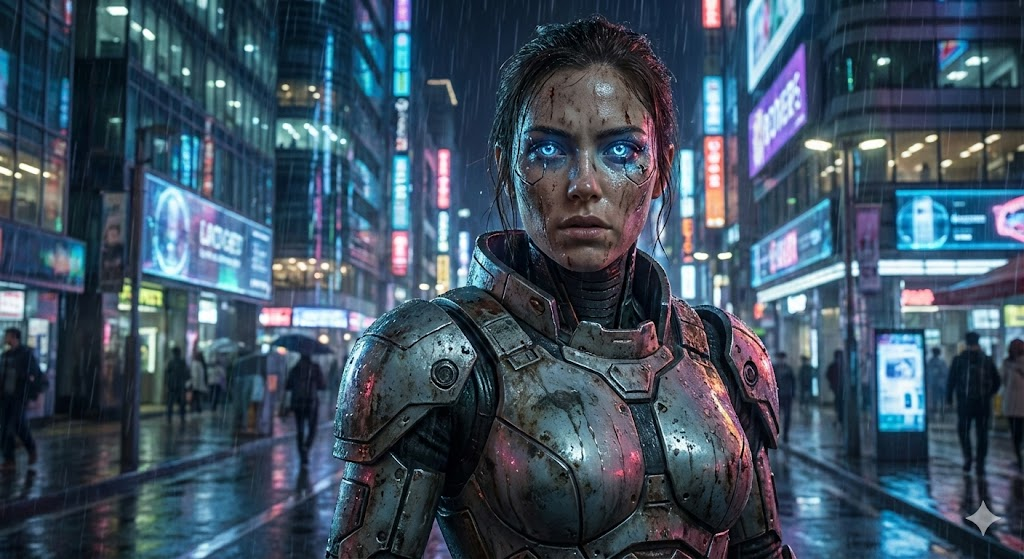
Example 1: 사이버펑크 애니메이션 캐릭터 변환
[A female cyborg warrior standing in a neon-lit futuristic city street, wearing worn-out metallic armor, glowing blue eyes, rain falling on her face, intense expression]
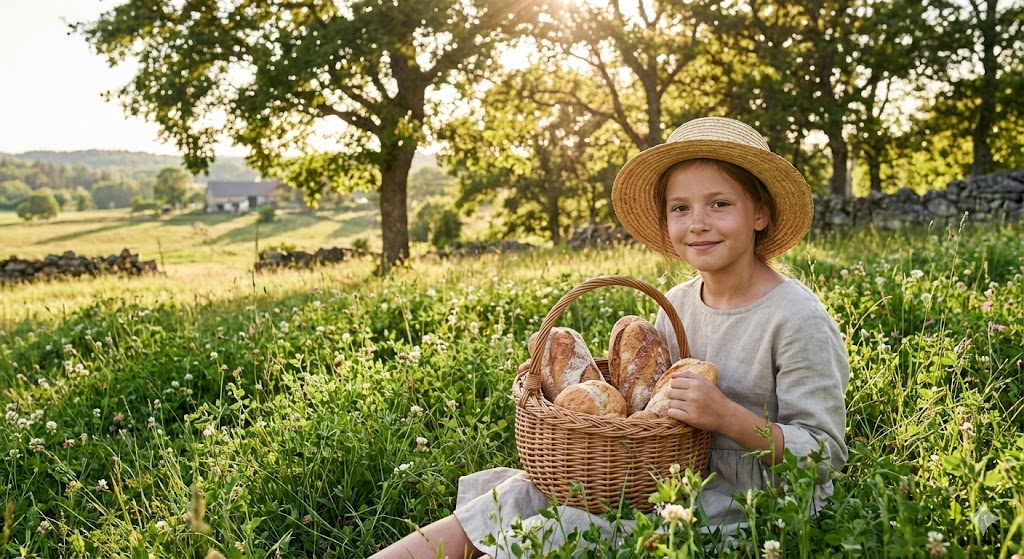
Example 2: 지브리 스타일의 평화로운 일상 변환
[A young girl with a straw hat sitting in a lush green meadow, holding a basket of fresh bread, soft sunlight filtering through the trees, gentle smile, countryside landscape]
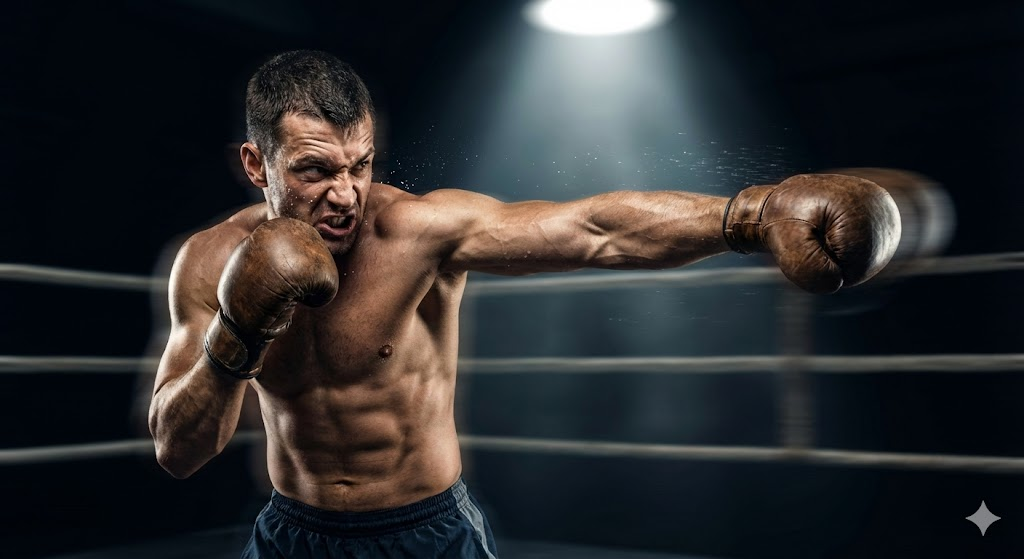
Example 3: 강렬한 액션 만화 장면 변환
[A muscular martial artist throwing a powerful punch, sweat dripping from his face, dynamic motion blur, dramatic spotlight in a dark boxing ring, intense angry expression]