"A pop-art style sticker illustration of [object] with a thick white outline, featuring bold lines and vibrant colors, on a white background."
[object] 부분만 바꿔서 생성하면 됩니다.
아래 이미지는 제미나이에서 생성했습니다.
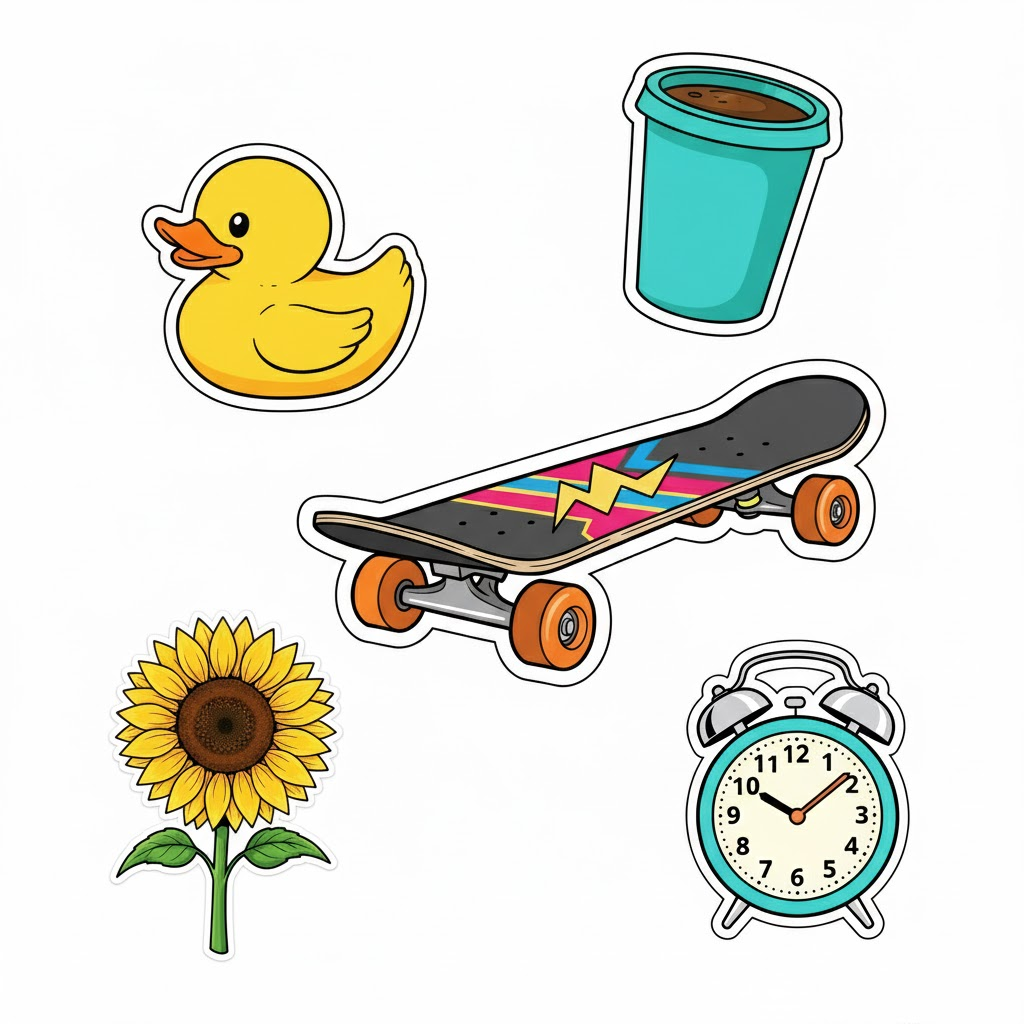
"A pop-art style sticker illustration of [a retro alarm clock] with a thick white outline, featuring bold lines and vibrant colors, on a white background."

"A pop-art style sticker illustration of [a blooming sunflower] with a thick white outline, featuring bold lines and vibrant colors, on a white background."

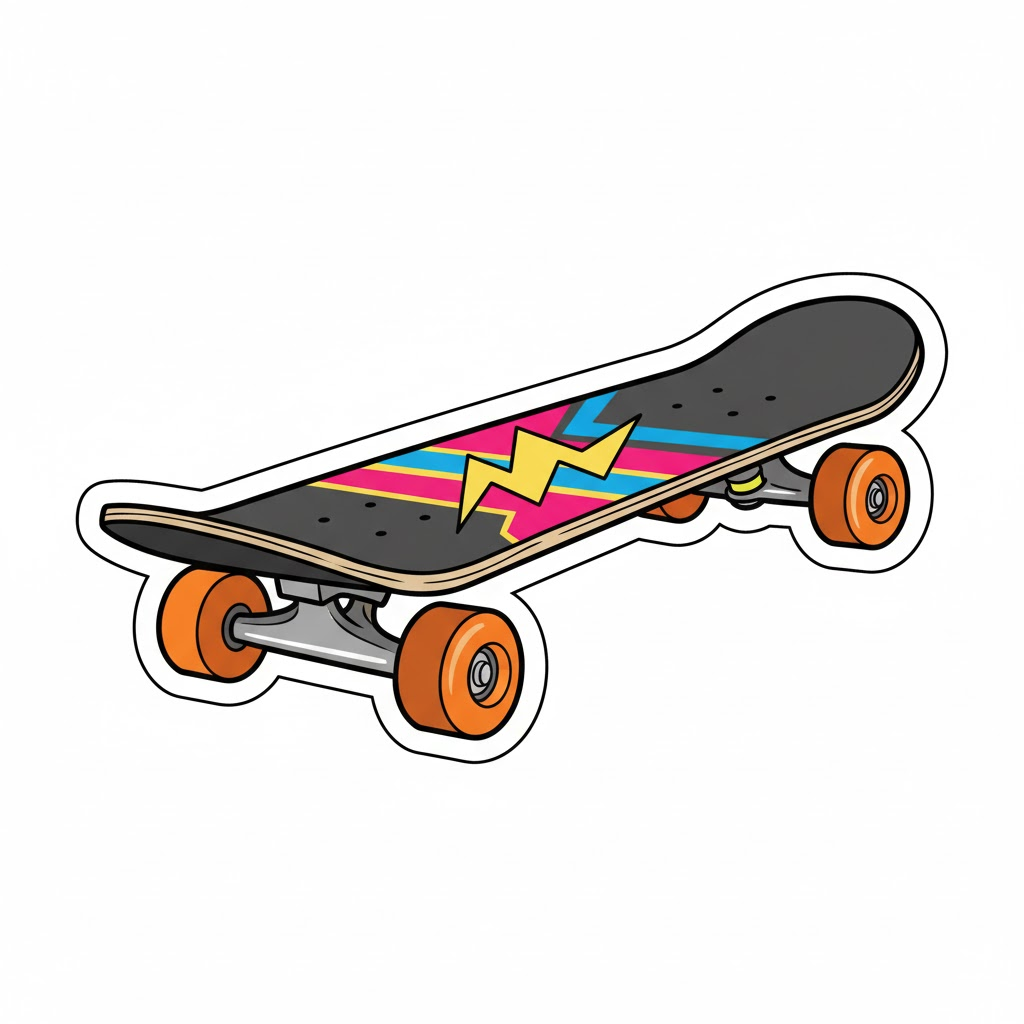
"A pop-art style sticker illustration of [a classic skateboard] with a thick white outline, featuring bold lines and vibrant colors, on a white background."
"A pop-art style sticker illustration of [a steaming coffee cup] with a thick white outline, featuring bold lines and vibrant colors, on a white background."

"A pop-art style sticker illustration of [a playful rubber duck] with a thick white outline, featuring bold lines and vibrant colors, on a white background."

'프롬프트' 카테고리의 다른 글
| 유치원/어린이집 교구 제작 필수! "자르기 & 붙이기" 도안 만들기 프롬프트 (0) | 2025.11.20 |
|---|---|
| 스타일리시 리얼리즘' 일러스트 생성 가이드 (0) | 2025.11.20 |
| Y2K 감성 폭발! 나만의 레트로 스티커를 만드는 마법의 프롬프트 (0) | 2025.11.19 |
| AI로 그려낸 황금빛 우키요에 판타지 프롬프트 (0) | 2025.11.19 |
| AI로 재현한 단원 김홍도의 붓끝: 한강과 강남 빌딩 숲, 수묵화로 거듭나다 (0) | 2025.11.19 |


